
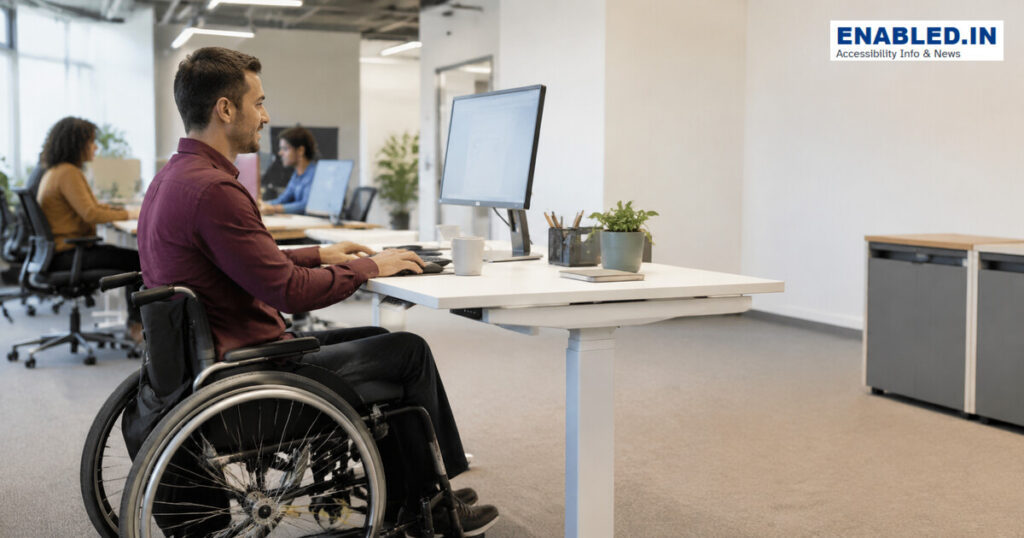
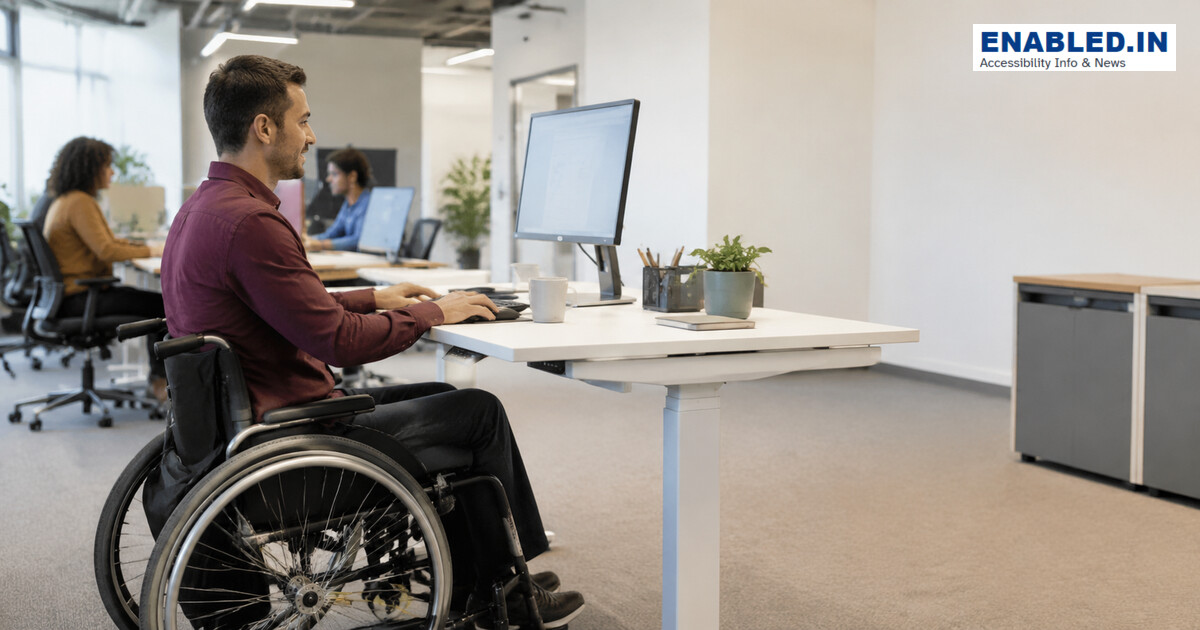
An accessible workspace allows a person to approach, enter, work, collaborate, store belongings and evacuate safely. Adjustable furniture and flexible technology allow the environment to suit the worker. This prevents the worker from having to adapt to a fixed setup.
Measurements and planning checks
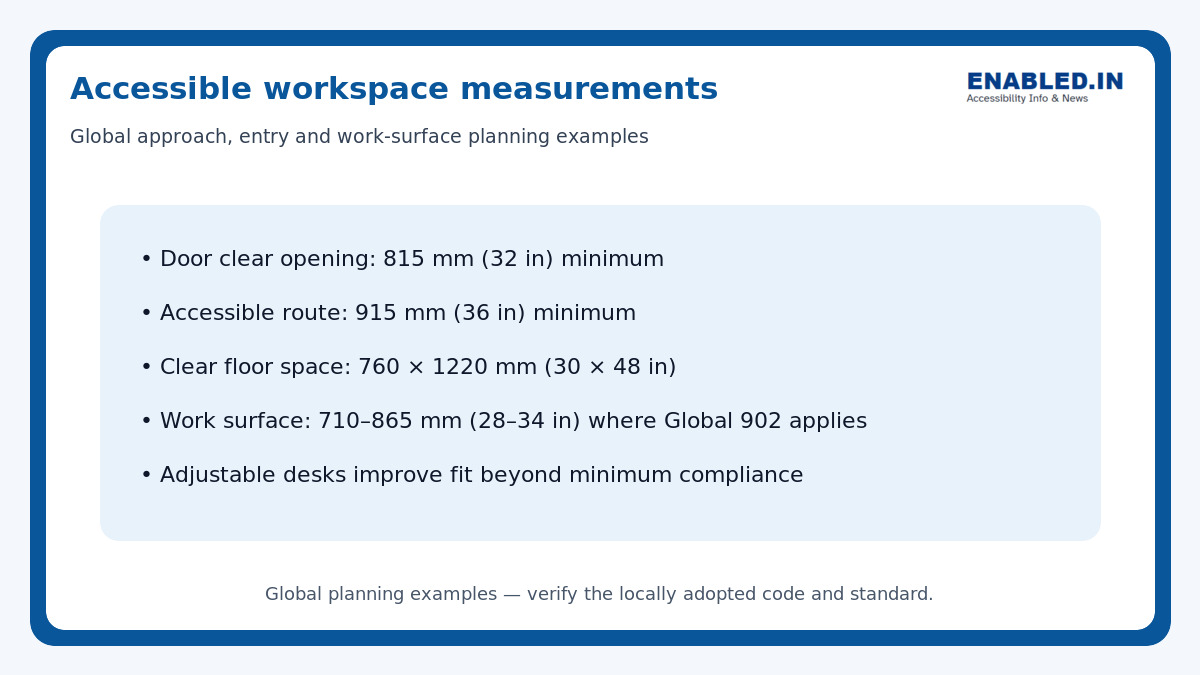
Accessible Workspace Measurements
Accessible workspace should provide sufficient space for entry, movement, wheelchair positioning, and comfortable use of work surfaces.
| Accessibility Requirement | Recommended Measurement / Guidance |
|---|---|
| Door clear opening | Minimum 815 mm (32 in) |
| Accessible route | Minimum 915 mm (36 in) clear width |
| Clear floor space | Minimum 760 × 1220 mm (30 × 48 in) |
| Work surface height | 710–865 mm (28–34 in) where the referenced requirement applies |
| Adjustable desks | Height-adjustable desks can accommodate a wider range of users and individual accessibility needs |
Note: These are global planning examples. Always verify dimensions against the accessibility standard and building code adopted in the applicable country or jurisdiction.
one national reference work areas generally require an accessible route for approach, entry and exit. Where one national reference 902 applies, a work surface is 710–865 mm (28–34 in) high. It should have clear floor, knee and toe space. Workplace accommodation may require more than building-code minimums.
1. Provide approach, entry and exit
Connect the workstation to entrances, toilets, meeting rooms, kitchens and emergency routes. Doors, security gates and aisles must remain usable.
2. Use adjustable furniture
A height-adjustable desk supports seated and standing users. Provide clear knee space, monitor adjustment, flexible task lighting and chairs offering varied support.
3. Make technology accessible
Select hardware, software, phones and conferencing tools that work with assistive technology. Provide alternative input devices, captions and accessible authentication.
4. Control reach and storage
Place frequently used shelves, power outlets and controls within reach. Use drawers and easy-grip handles and keep cables away from the route.
5. Plan inclusive emergencies
Provide multimodal alerts, accessible evacuation information and individual emergency planning when requested. Never assume a colleague will provide physical assistance.
Practical inspection checklist
- Clear route connects all work functions
- Desk and equipment adjust to the worker
- Knee and toe spaces remain unobstructed
- Controls, storage and sockets are reachable
- Lighting, noise and temperature can be adjusted
- Digital tools meet accessibility requirements
- Emergency plan addresses individual needs
Frequently asked questions
Must every desk be adjustable?
Not always under building codes, but adjustable desks improve inclusion and support reasonable accommodation.
Is a wider aisle enough?
No. The complete workstation, technology, storage, communication and emergency journey must be usable.
Who decides an employee’s accommodation?
Use an interactive process with the employee; do not diagnose or impose equipment without their input.
Sources and further reading
Discover more from enabled.in
Subscribe to get the latest posts sent to your email.